Information Board

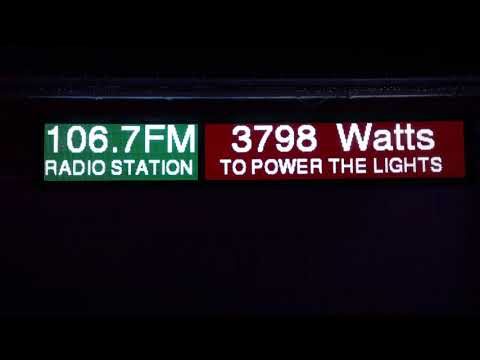
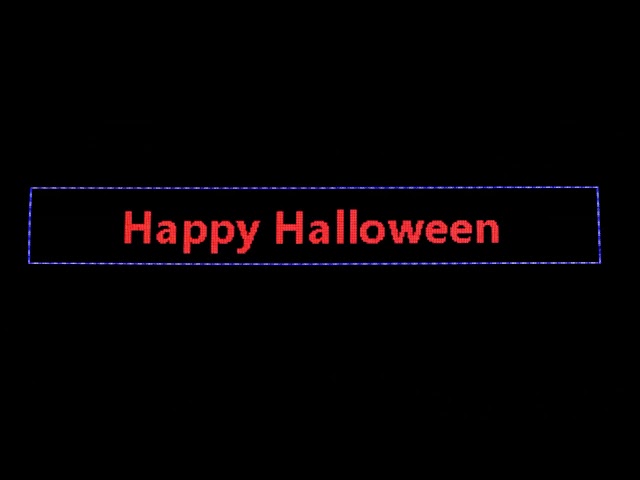
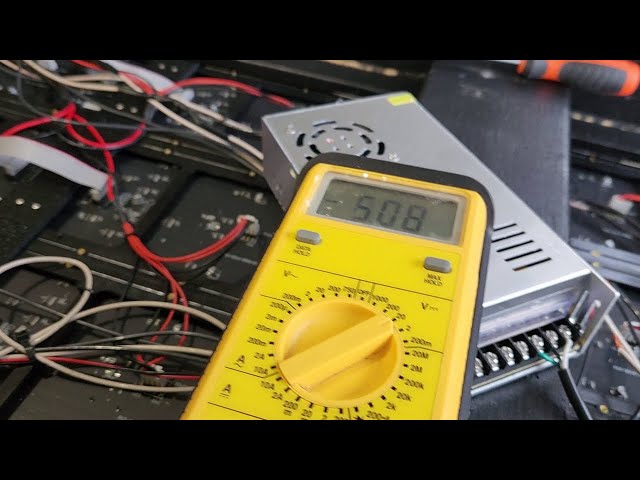
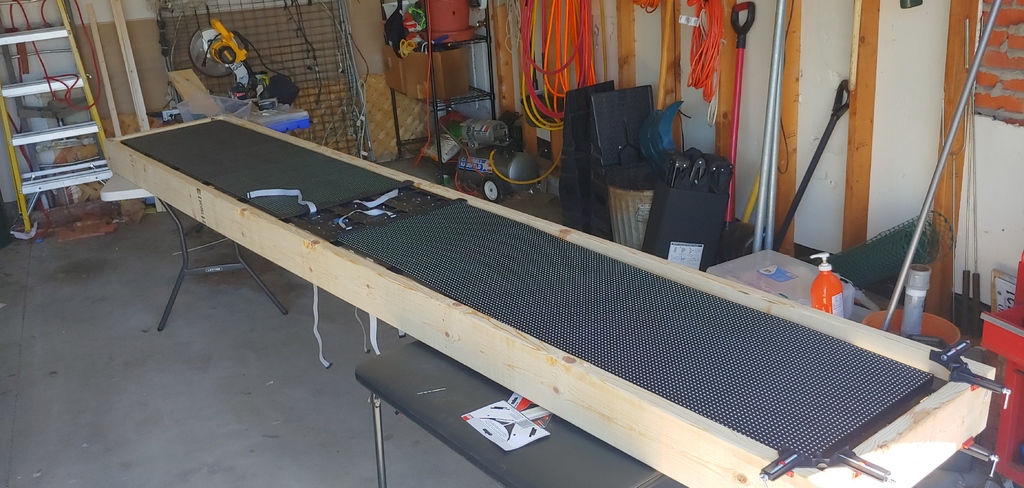
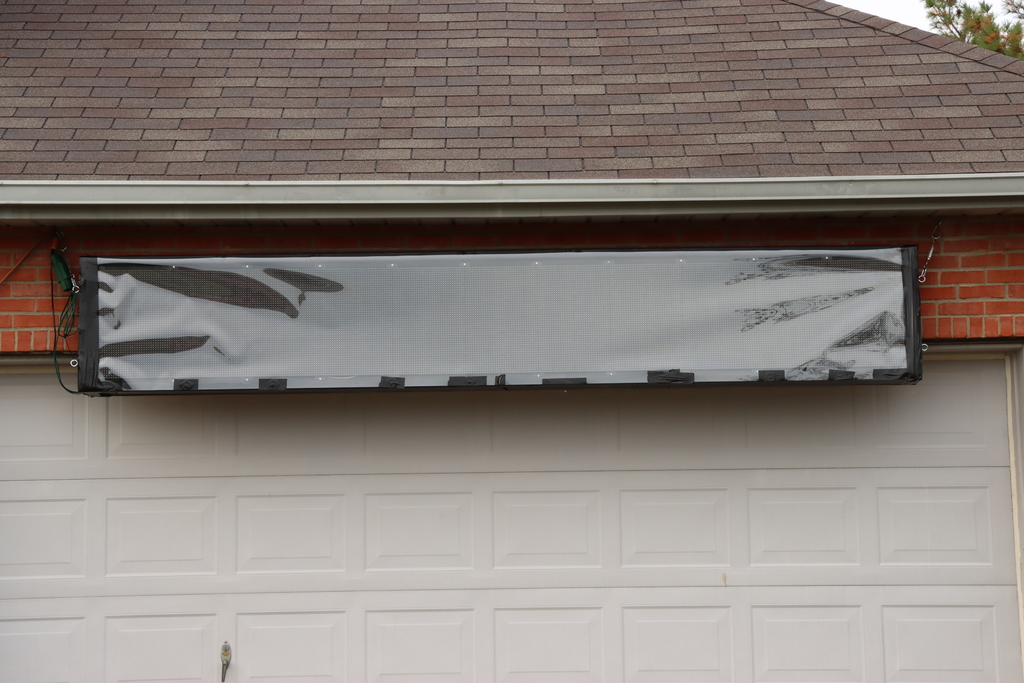
In 2020, we added a new P10 panel display to provide information to viewers about our display. Measuring 12ft wide and 2ft tall, the sign displays information of interest including the radio station we broadcast on, the near real-time power consumption for the display, the phone number for interacting with the display, and periodically how much power the display has consumed that day (and what it cost us). On nights when we are handing out free popcorn, the sign also flashes “FREE POPCORN TONIGHT” so visitors know to stop by.
The idea came from a video by Victor Johnson that synchronized a camera view of his house’s power meters with his display of over 140,000 incandescent bulbs. Our pixel LEDs are far more efficient, but we get asked all the time how much power our display uses, so we decided to show it live. (See our initial concept video for the first bench test.)
How it Works
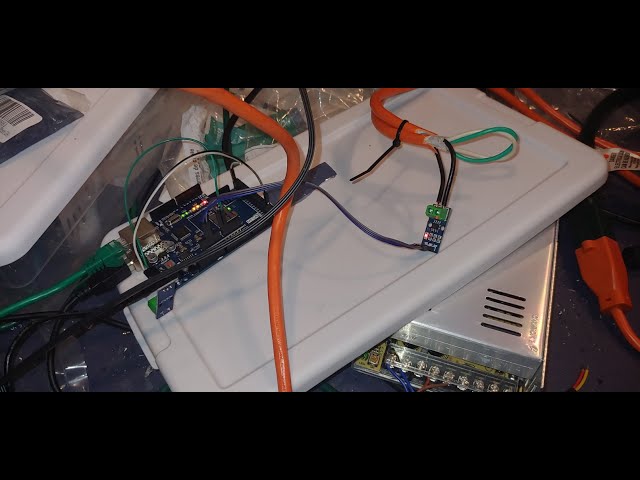
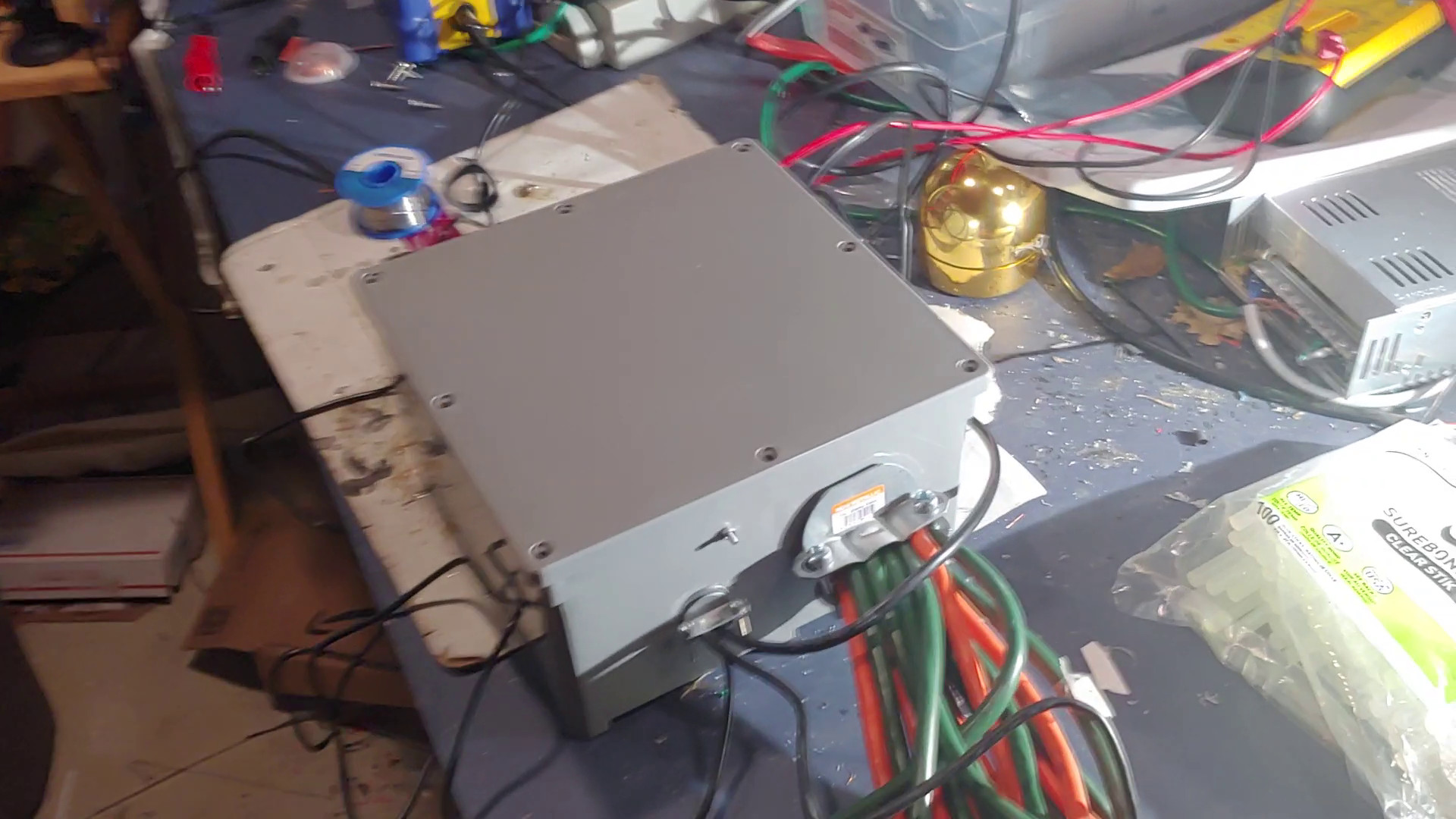
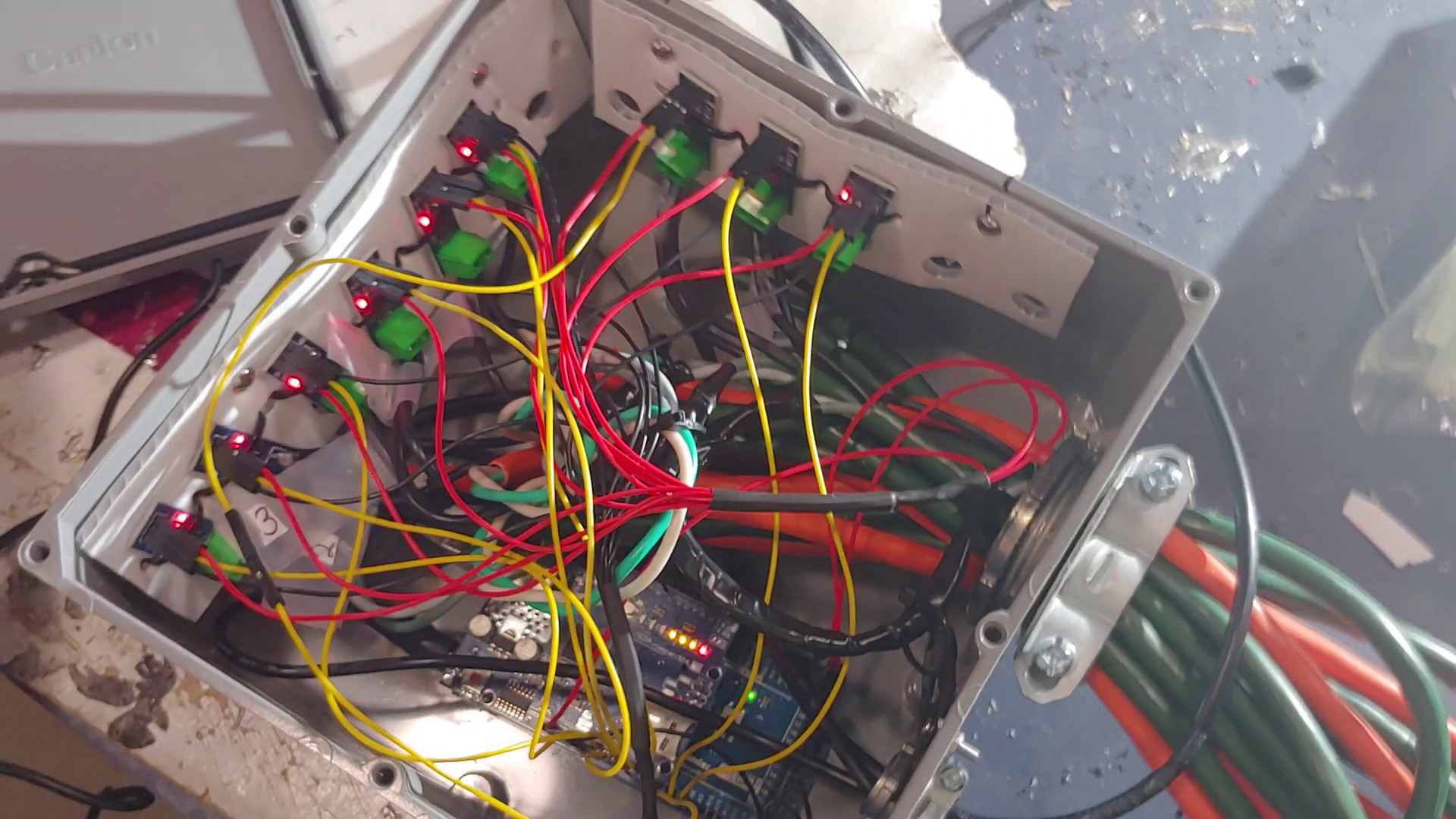
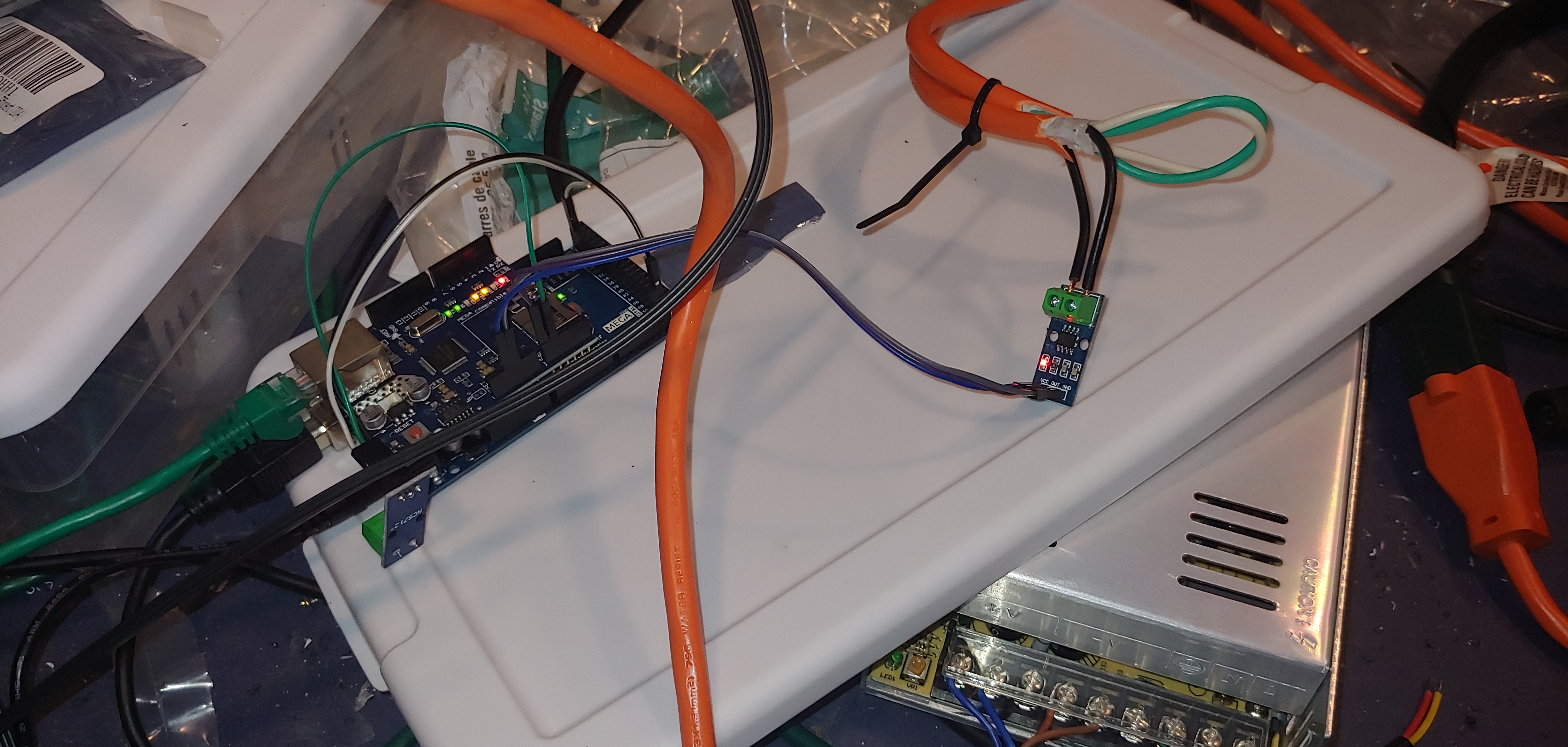
Our display is powered by five 20-Amp breakers, although we only use about 10 Amps from one of them. We break this down into nine power runs (extension cords), each less than 10 Amps. All of these power runs feed through a custom-made box consisting of an Arduino Mega, an Arduino Ethernet shield, and a bunch of ACS712 current sensors. We chose the Mega over an Uno because it has 16 analog inputs instead of 8. The sensors measure the magnetic field produced by the current flowing through each wire. Although they are rated for 20 Amps, the traces on the boards are small enough that we don’t push them past about 10 Amps.
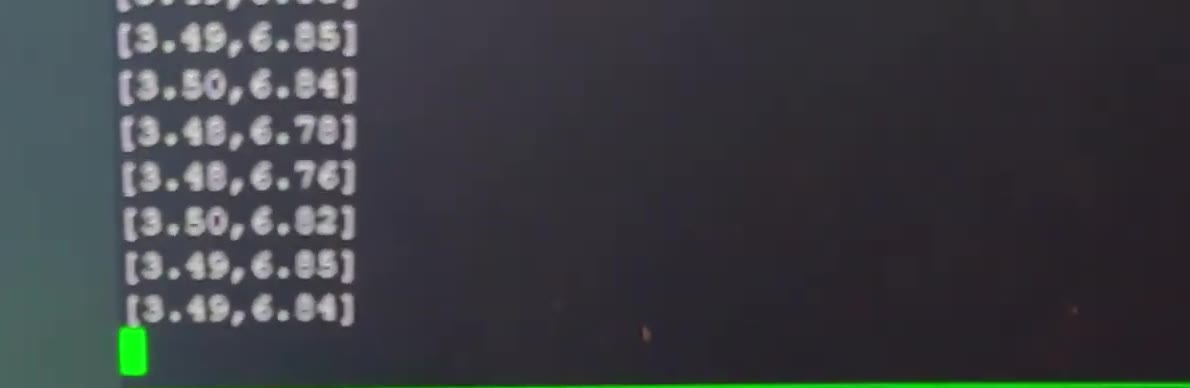
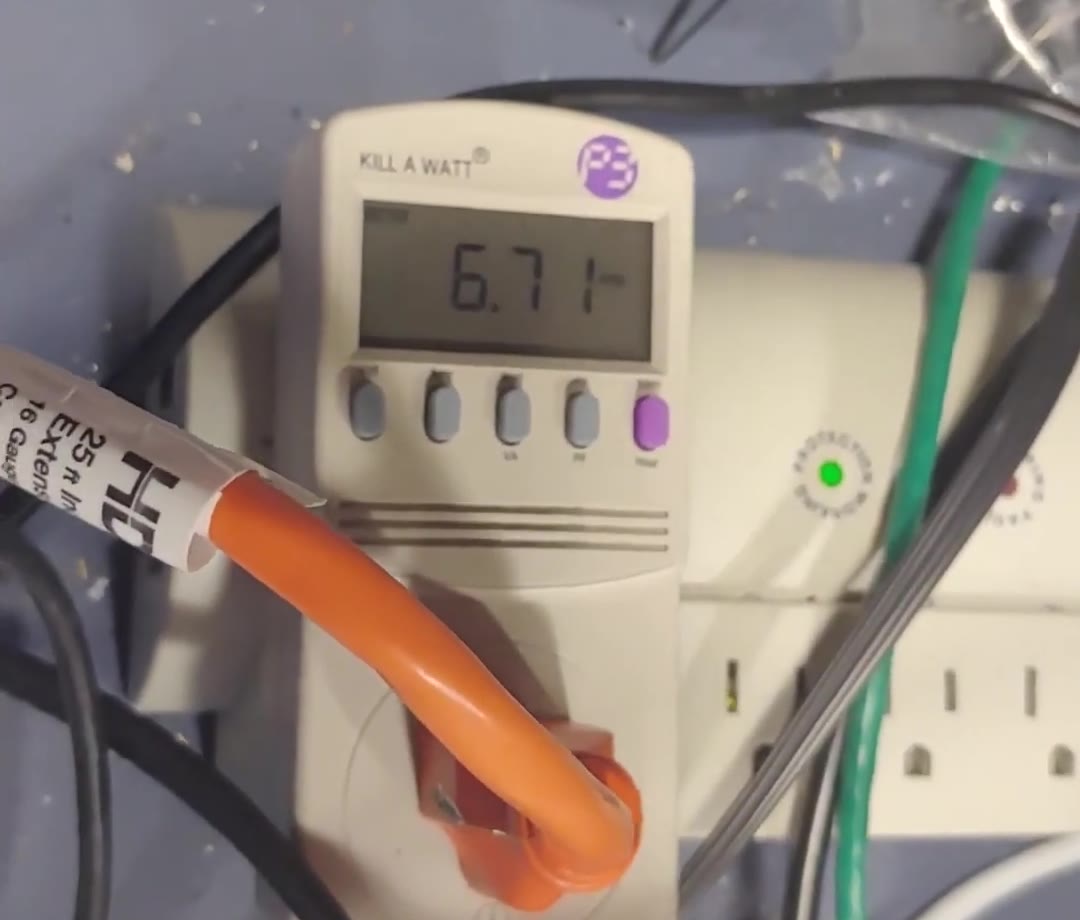
Measuring alternating current takes a little math, since the current is constantly changing along the sine wave. The Arduino reads every sensor once per millisecond for 500 milliseconds, then calculates the RMS (root mean square) of those samples to get the Amps for each circuit. (Oddly, 500 samples matched a Kill-A-Watt meter more closely than 480, which is an even multiple of 60Hz.) In our first bench test, a sensor read 6.7–6.8 Amps while a Kill-A-Watt on the same cord read about 6.7 Amps — not bad for inexpensive sensors.
About once a second, the Arduino publishes the Amps for all nine circuits via MQTT over its wired Ethernet connection, where they are consumed by a number of different tools:
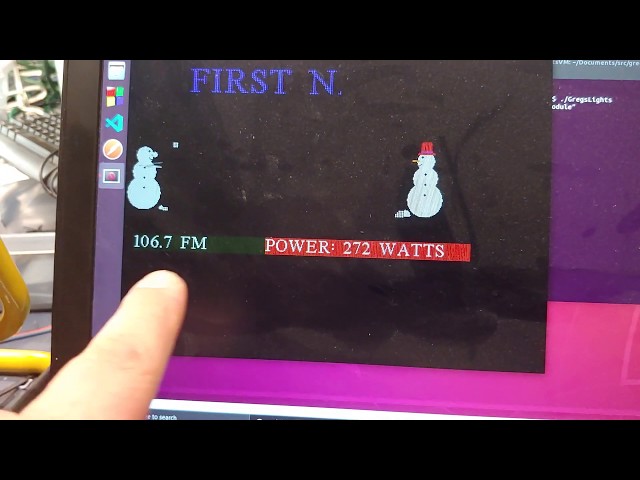
- Our custom C++ program that controls the Information Board adds up the circuits and converts Amps to Watts (at 115V) for the live readout.
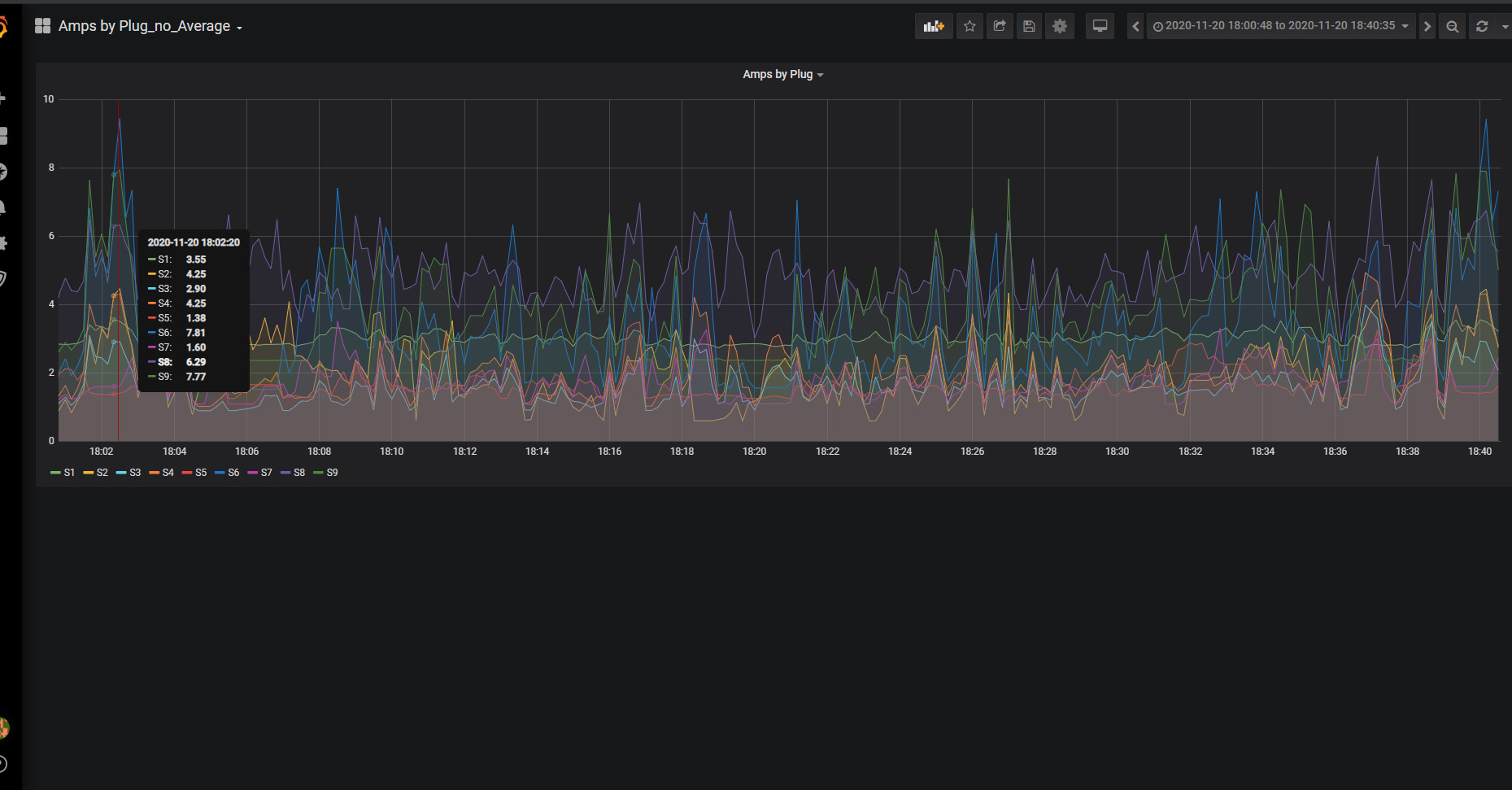
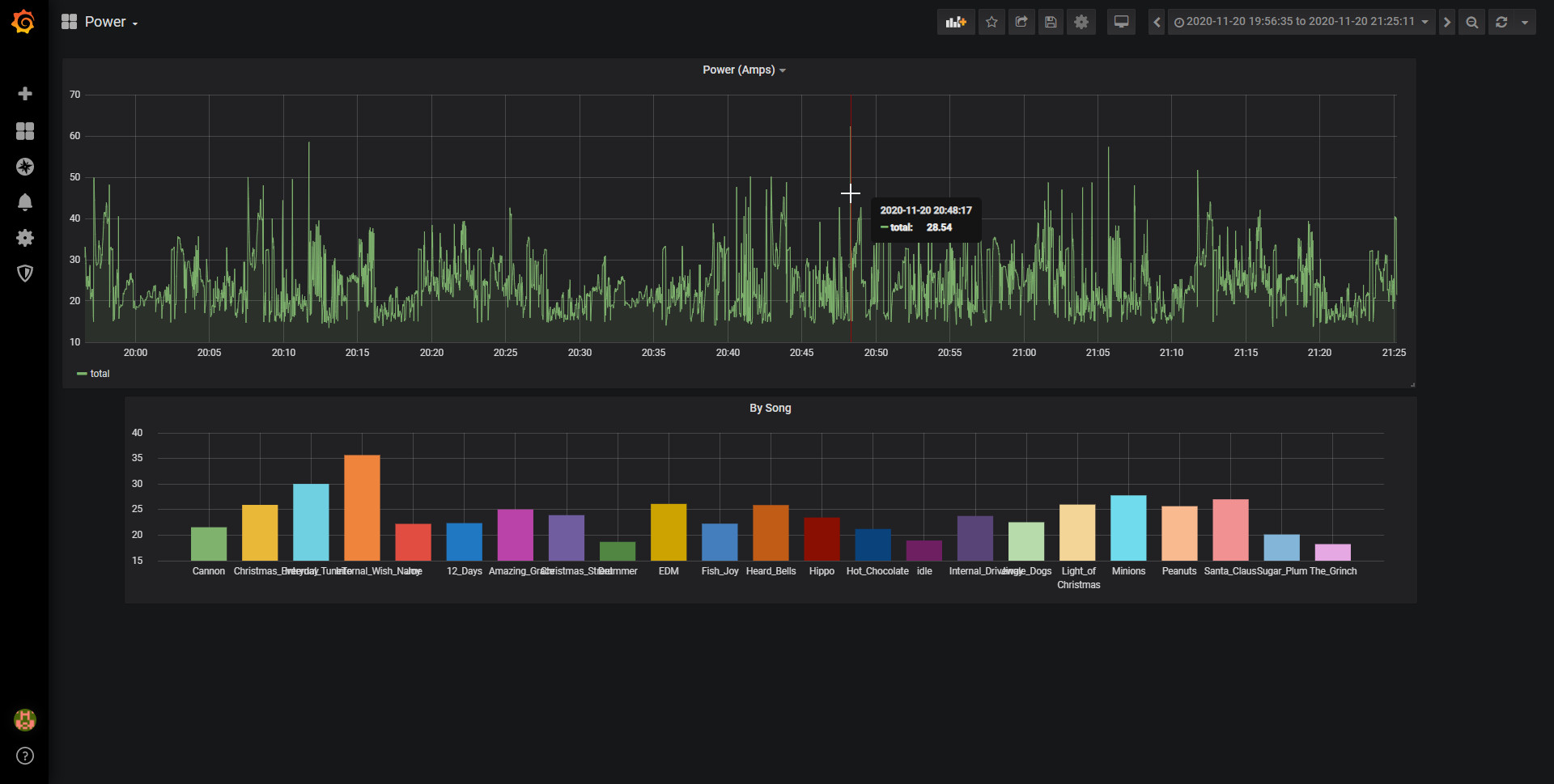
- The ChristmasStats server stores every reading in a TimescaleDB (PostgreSQL) database, tagged with the song that was playing. It calculates the kWh used so far today and the estimated cost, and publishes them back over MQTT for the sign. The same data drives the season totals on vote-now.org and our Grafana charts, including the average power used by each song.
When it comes to displaying the information on the 12ft sign board, our custom C++ program monitors the MQTT messages and decides what to display. It draws out each pixel in memory and then uses the DDP protocol to push the information to a BeagleBone Black in the back of the board running Falcon Pi Player. The FPP software controls the 33 P10 panels (11 wide by 3 tall, for 352 × 48 pixels) making up the board. The popcorn message is turned on with a single switch from our admin page.
Source Code
Videos
Photos

Seasons featuring this
Years where Information Board shows up in the display write-up.