The Tunnel
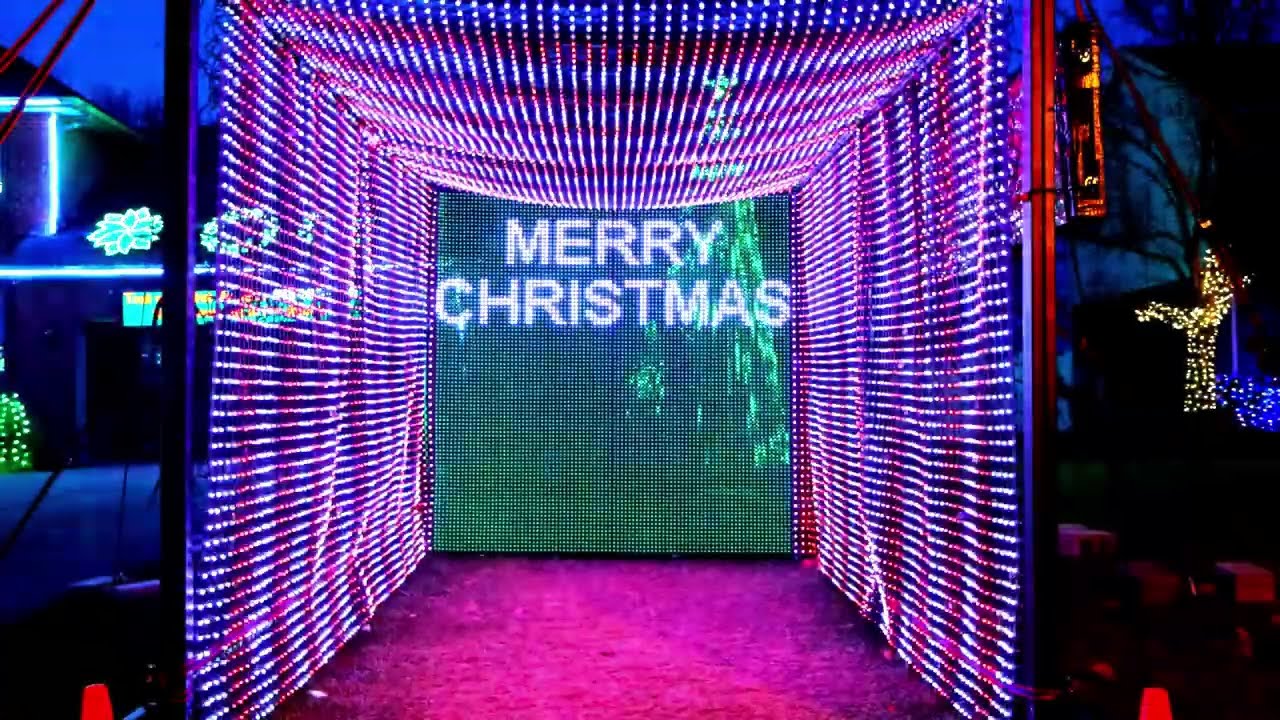
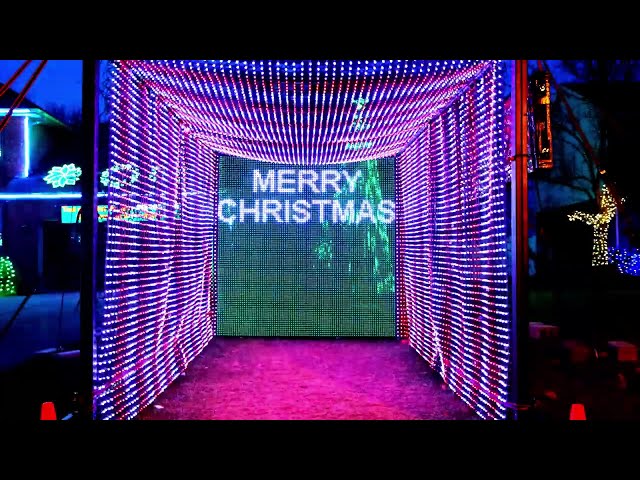
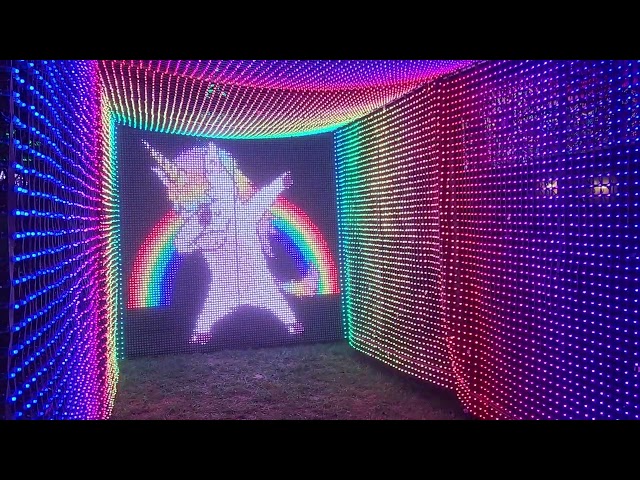
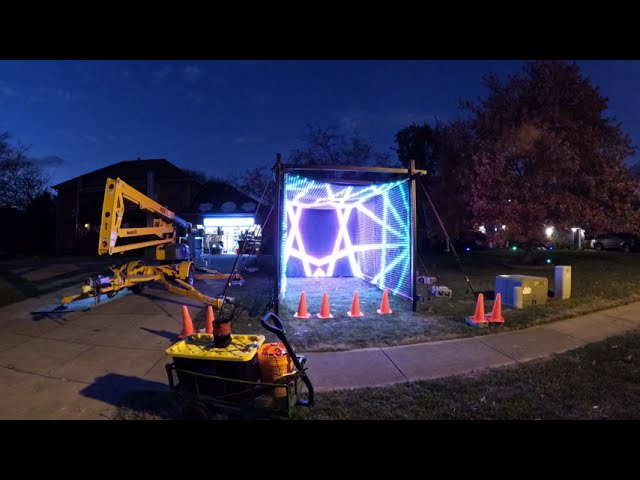
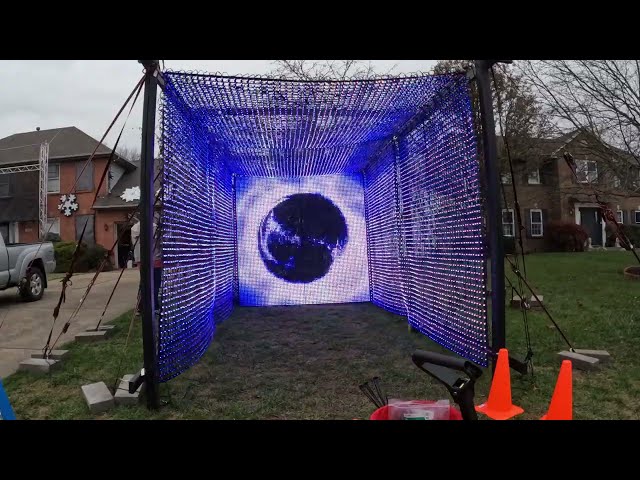
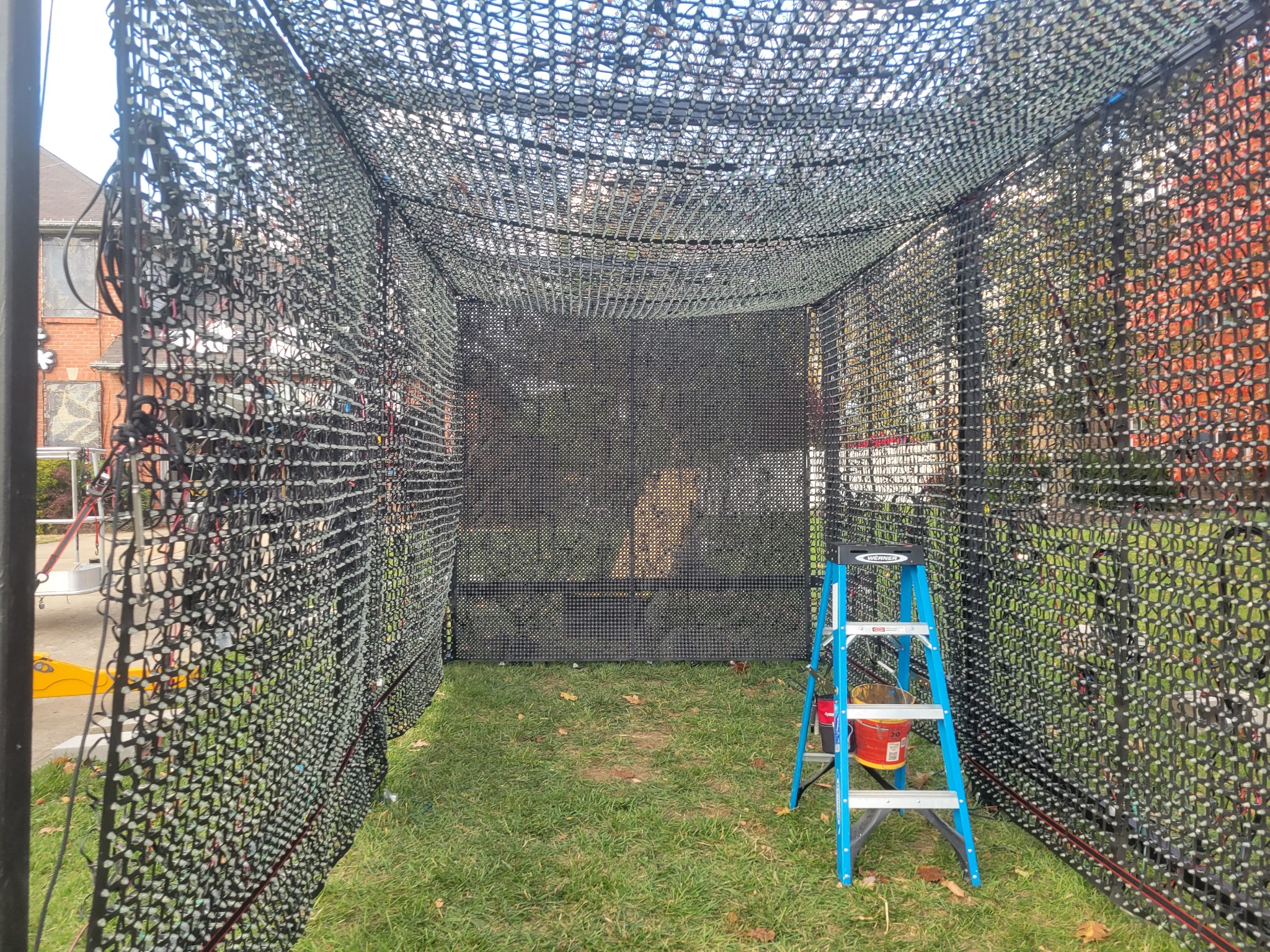
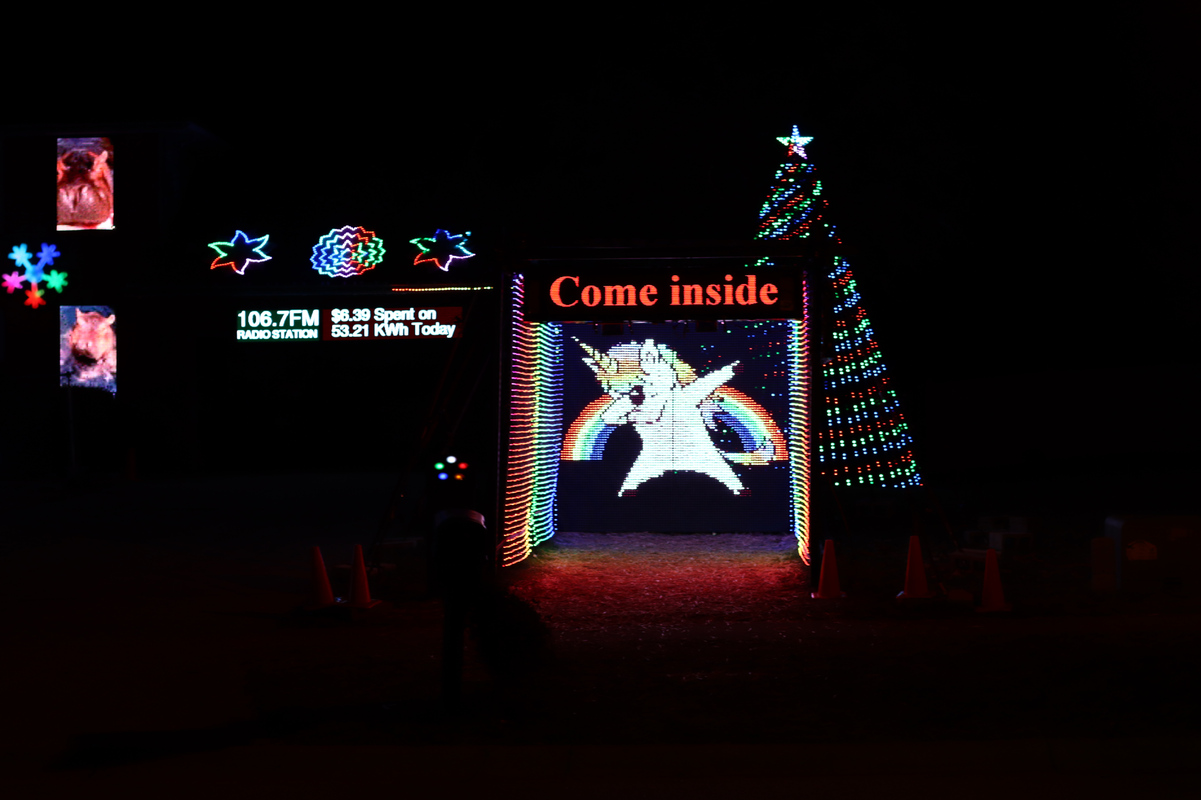
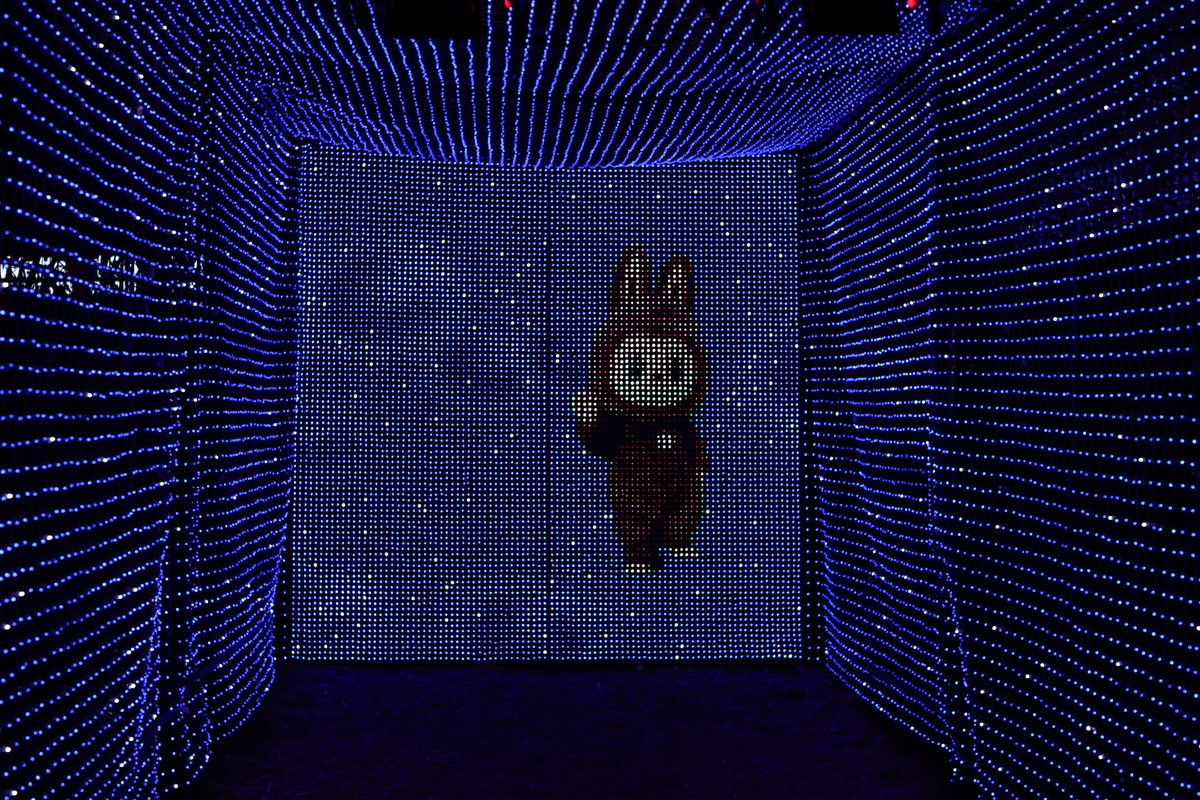
The tunnel was added to our display in 2022, on the right side of the yard after moving the countdown clock to the far left to make room. When fully assembled, it forms a 16x8 foot walk-through arch of RGB pixels, with lights on the sides, top, and back. With more pixels than the snowmen (13,538), the tunnel became the single largest element in our display with 22,754 pixels. Almost half of those pixels (8,930) make up the back of the tunnel where the pixels are spaced just 1” apart. (The sides and top are 2”.)
Construction
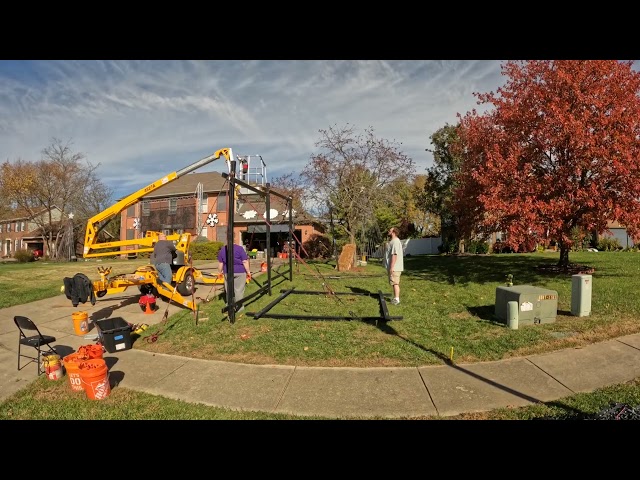
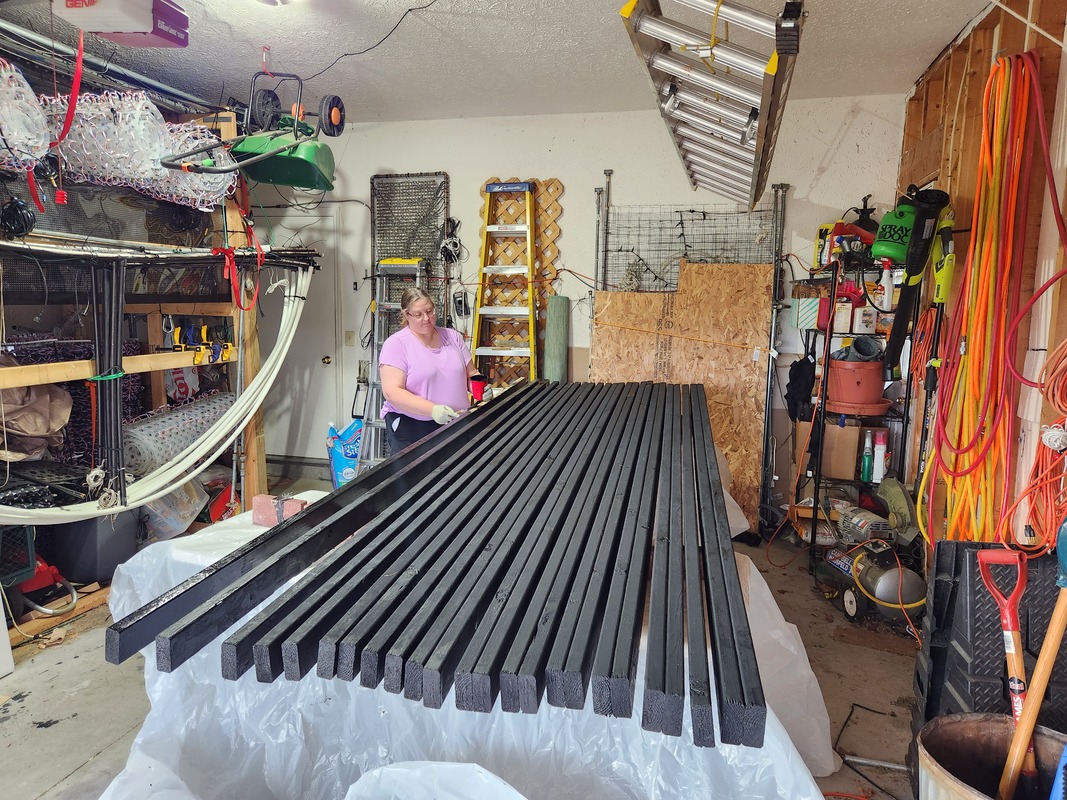
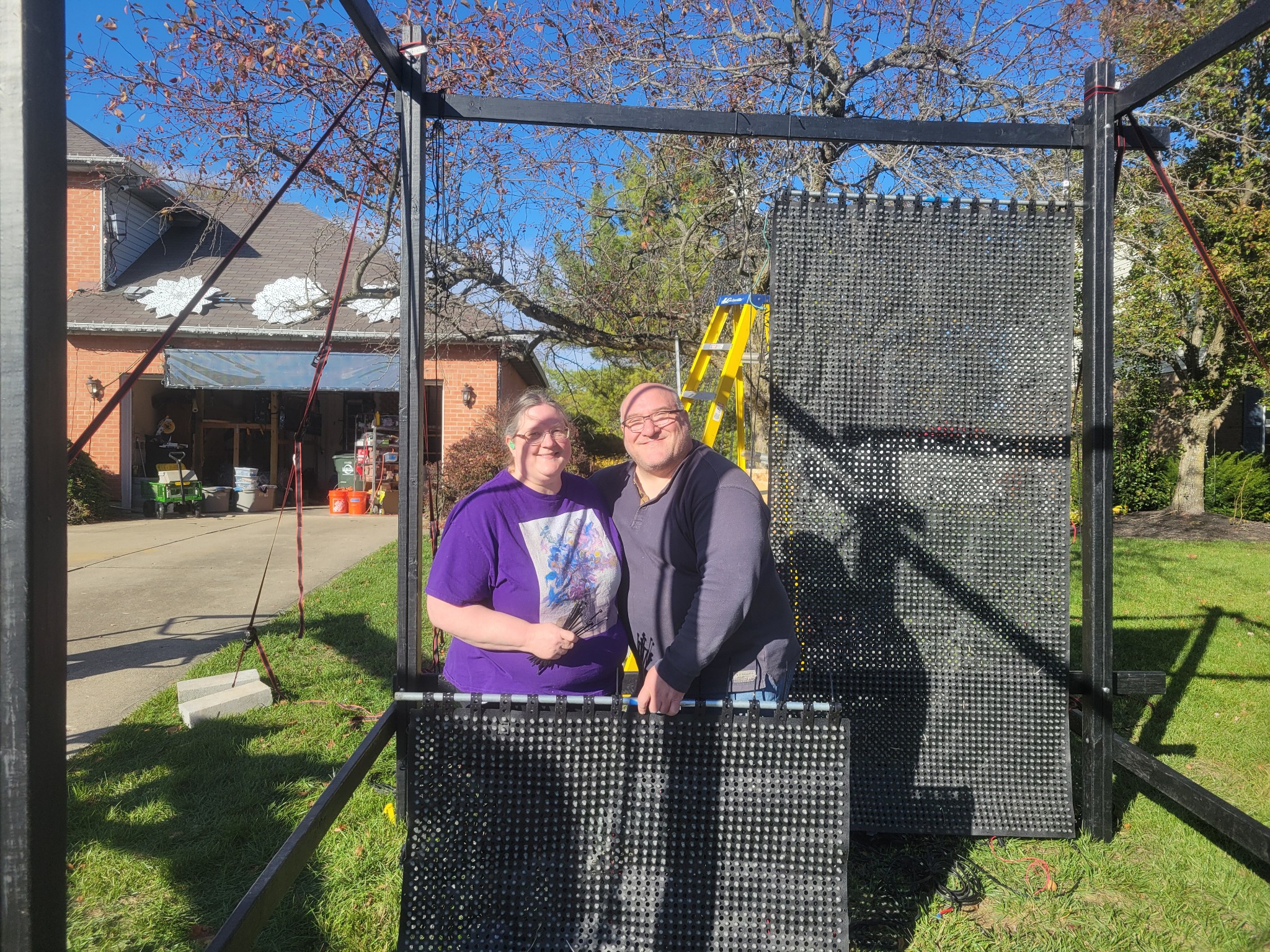
The tunnel frame is built from wood and assembled in the yard each season. Construction typically spans two days and can be done with two people — though three makes it much easier. The first day is focused on getting the frame up and secure. Each side goes up individually, using the lift to hold the left side in place while assembling the right. Once the right side is standing, tie-down straps hold it upright while we get the support bars for the top and back in place. Those same straps are also part of the final support structure to keep everything stable in high winds.
After the structure is standing, a whole second day is dedicated to suspending the lights and wiring them up. This takes a surprisingly large amount of time — each section needs to be level and perfectly aligned, otherwise the patterns won’t display correctly. The lift is essential, especially for getting the top pixels in place. The sides are held in place with rope and pulleys, while the top requires ratchet straps to pull everything tight.
Pixels and Controllers
Like the snowmen, the tunnel uses 5V WS2811 RGB pixels rather than the 12V pixels used in older elements. The 5V pixels cost less, are more power efficient, and have fewer reliability issues — but they require more frequent power injection along the data runs to avoid voltage drop problems. Sixteen dedicated 5V power supplies are mounted in a weatherproof enclosure behind the tunnel.
To control the pixels, we use a 32-port controller from Kulp Lights that runs FPP to send the WS2811 serial signal the pixels understand. This controller is its own isolated player separated from the rest of the show. All sequencing is done in xLights.
Interactive Buttons (2024)
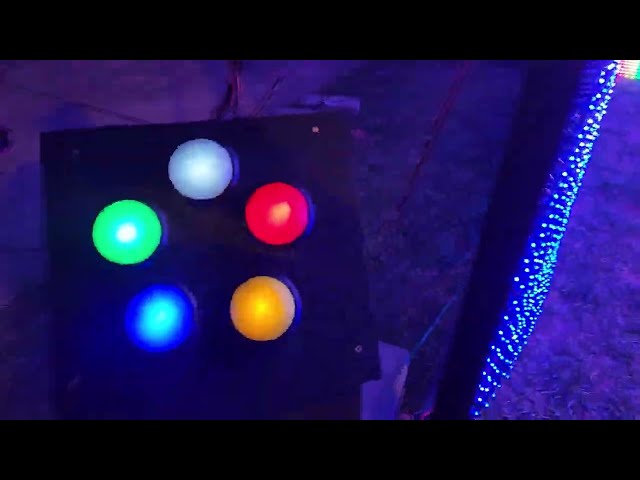
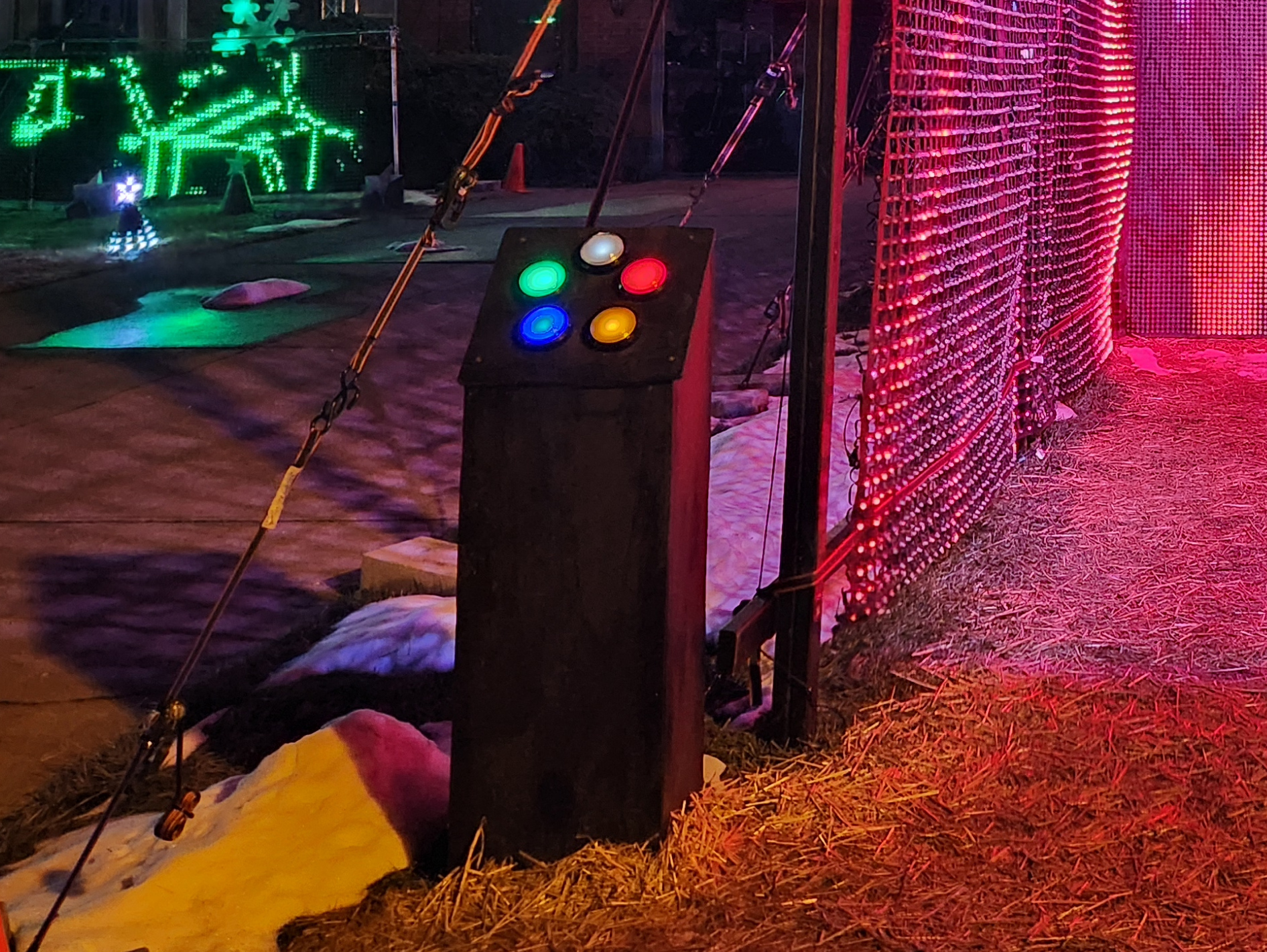
In 2024 we added push button controls mounted at the tunnel entrance. Visitors can press the buttons to select which sequence plays on the tunnel. There are five colored buttons (blue, green, red, white, and yellow), and each color has its own list of sequences to match. Every press plays the next sequence in that color’s list. When nobody is pressing buttons, the tunnel works its way through all of the colors on its own.
The buttons are wired into a Raspberry Pi running FPP, which sends an MQTT message for each press. Our scheduler picks up the message and starts the matching sequence on the tunnel’s Kulp Lights controller using FPP’s REST API. Our stats server records every press as well.
A P5 panel sign above the tunnel entrance scrolls button stats: how many times the buttons have been pressed today, which color has been the most popular, and the total for the season. Between stats updates, the sign plays its own sequence, such as the “Come inside” message in the photo. The scheduler draws the text using FPP’s built-in text overlay, so no custom sign software is needed.
The buttons were a hit right away. Visitors pressed them 40,846 times in 2024 and 39,661 times in 2025, so the novelty hasn’t worn off.
Videos
Photos
Seasons featuring this
Years where The Tunnel shows up in the display write-up.